How to Navigate European Cities Without Data Roaming: Essential Offline Travel Apps
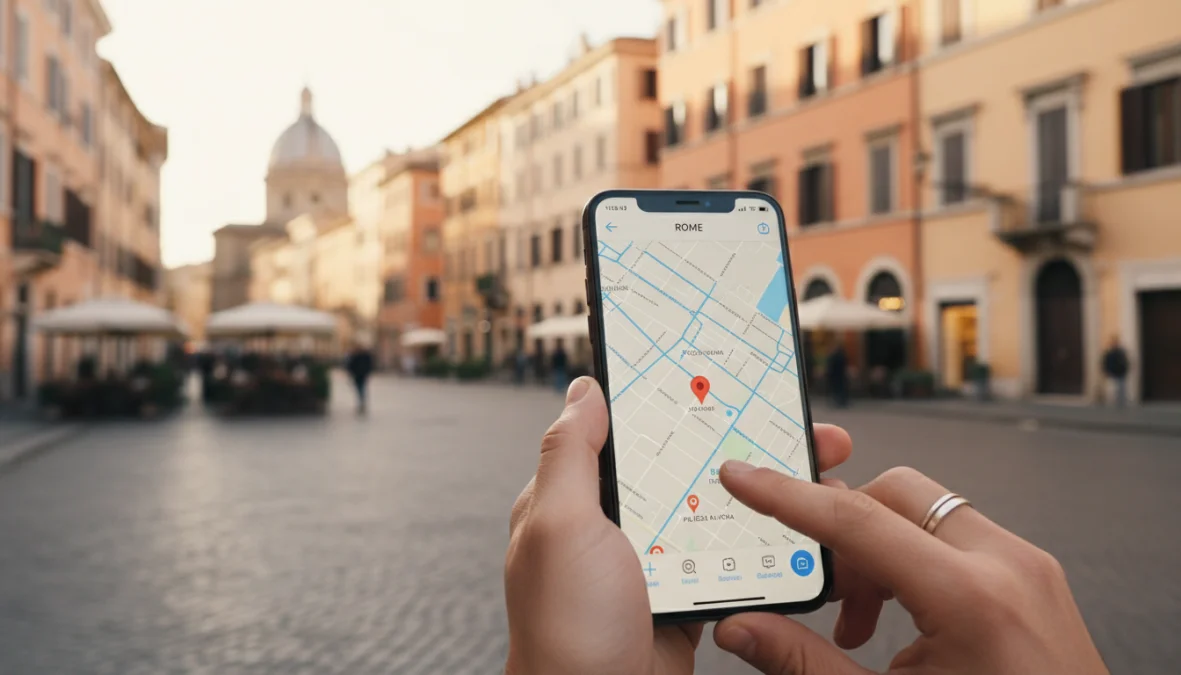
Picture this: you’re wandering through the cobblestone streets of Prague, trying to find that hidden café your hostel mate recommended, and suddenly you realize you have zero data connection. Panic mode? Not if you’ve got the right offline travel apps europe downloaded before you left. Whether you’re hopping between cities for a weekend or embarking on a multi-country adventure, navigating European destinations without racking up insane roaming charges is totally doable—and honestly, it’s the smarter way to travel.
The secret? Preparation. By downloading the right apps and maps before you board that plane, you can explore everything from Barcelona’s Gothic Quarter to Berlin’s hipster neighborhoods without ever needing mobile data abroad. Let’s dive into how you can travel europe without data roaming like a seasoned pro.
Why Offline Travel Apps Are Essential for Europe
Here’s the deal: international roaming fees can absolutely destroy your travel budget. Even though the EU abolished roaming charges for EU citizens traveling within member countries, if you’re coming from the US, UK (post-Brexit), Australia, or most other countries, you’re looking at potential charges of $10-15 per day or more. Some carriers charge up to $2 per megabyte—which means one accidentally opened Instagram feed could cost you $50.
Beyond the financial nightmare, there are plenty of situations where WiFi simply isn’t available. That moment when you’re trying to catch the last metro in Paris at 11 PM? The middle of a Spanish plaza at siesta time? Underground in Vienna’s U-Bahn? Yeah, good luck finding WiFi. Even when you do find public WiFi, it’s often painfully slow or requires registration with a local phone number.
The beauty of data roaming free travel is the freedom it gives you. No constantly hunting for WiFi passwords, no anxiety about exceeding data limits, and no surprise bills when you get home. Plus, offline travel apps europe solutions actually work better in many cases—they’re faster, don’t drain your battery searching for signals, and give you complete control over your navigation. When you’re planning the perfect city break, having reliable offline tools makes all the difference.
Best Offline Apps for Navigating European Cities
Now let’s get into the good stuff—the actual apps that’ll save your European adventure. These are the best offline travel apps for europe that millions of travelers rely on.
Offline Map and Navigation Apps
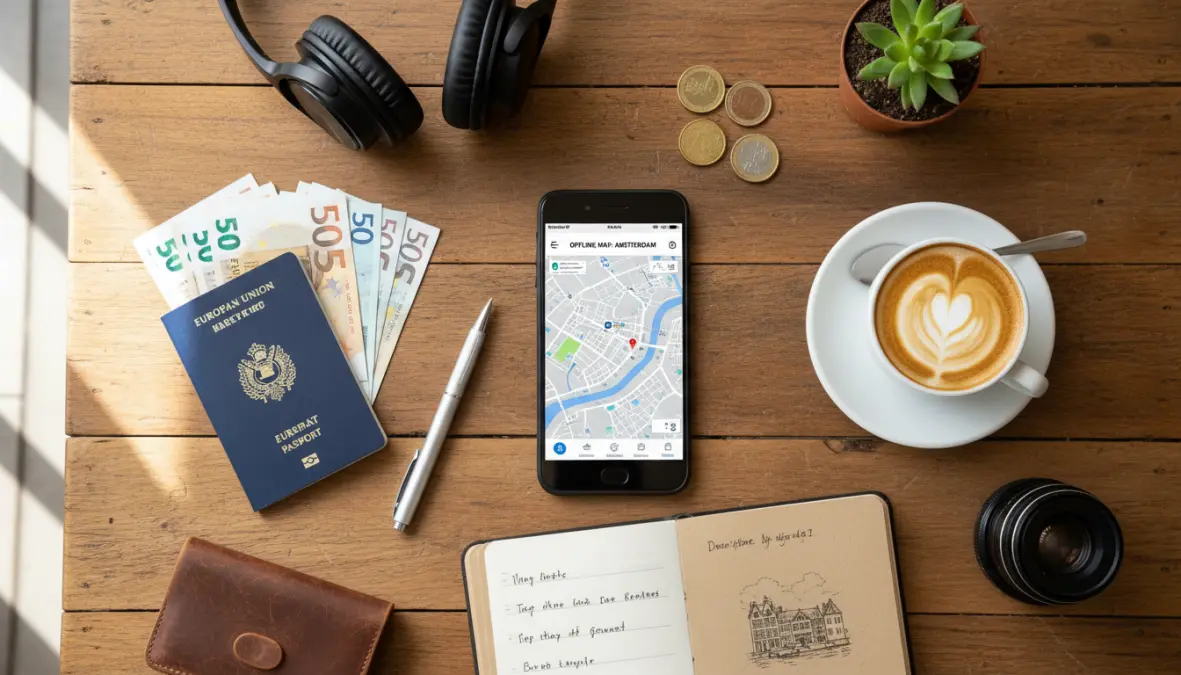
Google Maps (Offline Mode) is probably your best starting point because you’re already familiar with it. Here’s how to use google maps offline in europe: Open the app, search for your destination city (let’s say “Amsterdam”), tap on the city name at the bottom, and select “Download.” You can customize the area by pinching to zoom. The offline version includes turn-by-turn navigation, business information, and even public transport routes in many cities. The catch? Downloaded maps expire after 30 days and need updating, and some features like real-time traffic won’t work. Storage-wise, expect 100-300MB per major city.
Maps.me is the favorite among backpackers and budget travelers. It uses OpenStreetMap data and lets you download entire countries—yes, entire countries!—for free. The app works phenomenously well for walking navigation and includes tons of user-generated points of interest like ATMs, water fountains, and viewpoints that Google Maps might miss. It’s particularly excellent for hiking trails and off-the-beaten-path exploration. The interface is a bit clunkier than Google’s, but for offline navigation apps, it’s incredibly comprehensive.
OsmAnd is for the hardcore travelers who want every possible feature. It offers incredibly detailed maps with cycling paths, hiking trails, and even topographic information. You can download 7 maps for free (unlimited with the paid version), and it includes features like contour lines, ski slopes, and nautical charts. The learning curve is steeper, but cities like Munich, Stockholm, and Swiss destinations where outdoor activities mix with urban exploration benefit hugely from OsmAnd’s detail.
Citymapper deserves special mention for offline public transport apps. While not fully offline, you can pre-load routes and they’ll work without connection. It covers major European cities like London, Paris, Berlin, Rome, Barcelona, and Amsterdam with incredibly detailed public transport information including real-time updates (when online), but the core routing works offline once cached. Perfect for navigating complex metro systems.
Offline Translation and Communication Apps
Getting lost is one thing—not being able to ask for directions is another level of travel chaos. Offline translation apps are absolute lifesavers.
Google Translate lets you download language packs for completely offline translation. Before your trip, open the app, tap the download icon next to your needed language pair (English-Italian, English-French, etc.), and you’re set. The offline version includes text translation, camera translation for menus and signs, and even handwriting recognition. The camera feature is mind-blowing—just point your phone at a restaurant menu or street sign and watch it translate in real-time. Each language pack is around 50-60MB.
Microsoft Translator offers similar functionality with excellent conversation mode—great for having basic back-and-forth exchanges with locals. Download your needed languages (Spanish, German, Portuguese, etc.) before departure. The app also includes phrasebooks with common travel expressions already translated.
For European travel, prioritize downloading: Spanish and Italian for southern Europe, German for central Europe, French for France and Belgium, and perhaps Polish or Czech for Eastern European adventures. If you’re exploring Europe’s best food cities, having menu translation at your fingertips is essential.
How to Set Up Your Phone for Offline Travel in Europe
Alright, you’ve got your app list—now let’s make sure your phone is actually ready. Here’s your step-by-step guide to complete offline travel guide europe preparation:
Step 1: Clean up your storage about a week before departure. Offline maps and language packs can eat up 2-5GB total depending on how many cities you’re visiting. Delete old photos, unused apps, and download your Spotify playlists instead of storing tons of music files.
Step 2: Download everything while on home WiFi. Don’t wait until you’re at the airport on sketchy public WiFi. Download all your maps, translation packs, and offline city guides europe content at least 2-3 days before departure. Apps like TripAdvisor and Guides by Lonely Planet let you pre-download city guides with walking tours, restaurant recommendations, and attraction information.
Step 3: Configure your settings. Go into Settings > Cellular/Mobile Data and toggle off “Data Roaming” completely. Better yet, enable Airplane Mode and then manually turn WiFi back on—this ensures you’re in wifi only travel mode and won’t accidentally use data. Screenshot important addresses, booking confirmations, and emergency contact numbers.
Step 4: Save crucial locations offline. In Google Maps, star or save hotels, airports, train stations, and must-visit attractions. These will appear on your offline map even without connection. Create lists for each city you’re visiting.
For storage planning: expect 200-300MB per major city for cached maps navigation, 50MB per language pack, and 100-200MB per detailed city guide. A 32GB phone should handle 5-6 major cities comfortably. When you’re planning multi-city weekends, this preparation becomes even more critical.

FAQ
Can I use Google Maps without data in Europe?
Absolutely! Download the specific city or region maps before your trip using WiFi. The offline version provides turn-by-turn navigation, saved places, and business information. Just search for your destination, tap the name, and select “Download offline map.” Maps expire after 30 days but can be updated on WiFi.
What is the best free offline map app for Europe?
Maps.me is the top choice for completely free, comprehensive coverage. It lets you download entire countries, includes user-generated tips, and works brilliantly for walking navigation. Google Maps offline is also excellent if you prefer a familiar interface.
Do offline translation apps really work?
Yes, surprisingly well! Google Translate’s offline mode handles text and camera translation effectively for common phrases and signs. It’s not perfect for complex conversations, but it’ll help you order food, ask directions, and read important signs without issues.
How much storage do I need for offline maps?
Plan for roughly 200-300MB per major city with Google Maps, or 500MB-1GB per country with Maps.me. If you’re visiting multiple cities, 3-5GB of free storage should cover maps, translations, and guides comfortably.
Can I download entire countries or just cities?
It depends on the app. Google Maps limits you to regions (usually city-sized areas you can customize), while Maps.me and OsmAnd allow full country downloads. For most travelers, downloading individual cities is more practical and saves storage space.
Traveling through Europe without burning through data or your budget is completely achievable with the right preparation. By setting up these travel apps without internet before you leave, you’re giving yourself the freedom to explore spontaneously without the constant anxiety of connectivity. Whether you’re exploring solo weekend destinations or hopping between countries, your phone becomes a powerful travel companion—no roaming charges required. Download your apps, embrace airplane mode, and get ready to navigate European cities like a local. Your wallet (and your stress levels) will thank you.