How to Use Google Maps Offline in Europe: Complete Download Guide
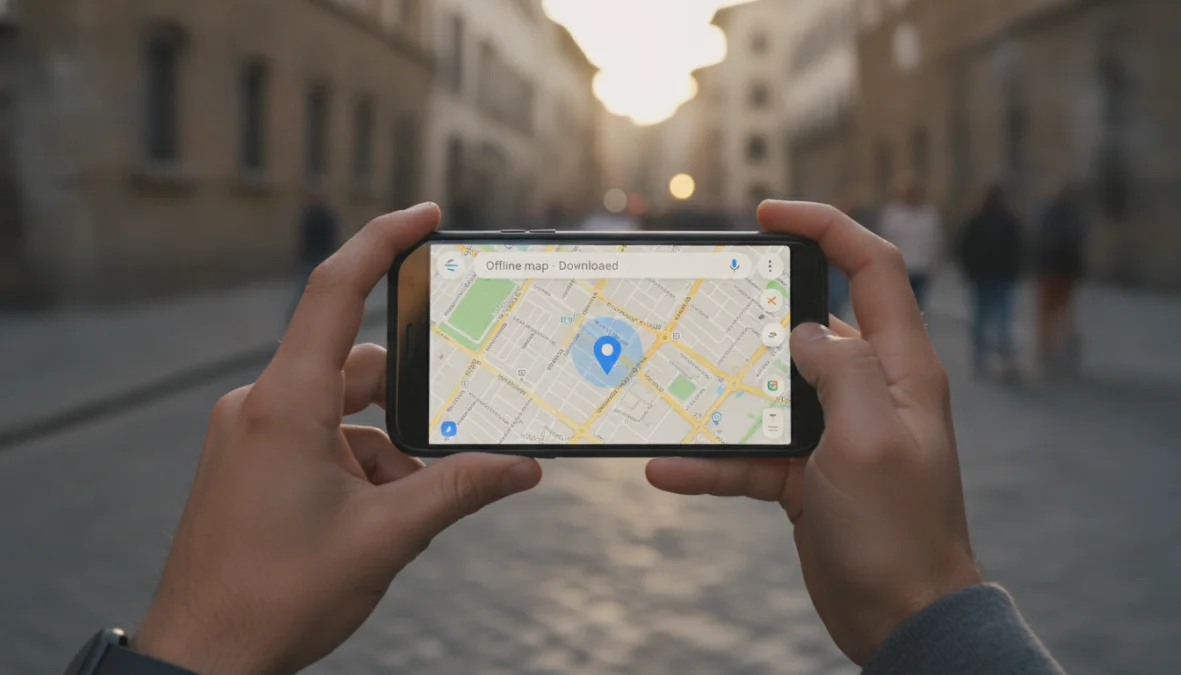
Picture this: you’re winding through the cobblestone streets of Prague, desperately trying to find your hotel, but your mobile data has either run out or costs more than your entire lunch budget. Sound familiar? If you’re planning a European adventure, learning google maps offline europe navigation is an absolute game-changer. Whether you’re exploring bustling capitals or remote countryside villages, having offline maps transforms your travel experience from stressful to seamless—without burning through your data allowance or getting lost in translation.
Why Download Google Maps Offline for Europe Travel
Europe might be one of the most connected continents, but reliable internet isn’t guaranteed everywhere. According to recent coverage data, while major cities boast excellent 4G/5G connectivity, approximately 20-30% of European rural areas still have spotty or non-existent mobile coverage. That’s where offline maps europe become your travel lifeline.
The benefits of using google maps without internet go far beyond avoiding data roaming charges—though that alone can save you a fortune. Consider these common scenarios: driving through Alpine tunnels where signals disappear for minutes at a time, hiking in remote Scottish highlands, or wandering through historic city centers with thick stone walls that block reception. Offline navigation ensures you’re never truly lost.
There’s also the battery advantage. Constantly searching for cellular signals drains your phone significantly faster than using GPS alone. With cached maps, your phone doesn’t need to ping cell towers repeatedly, extending your battery life by up to 30%. Plus, offline navigation provides consistent reliability—no more frozen screens when you need directions most urgently.
That said, offline mode has limitations. You won’t get real-time traffic updates, public transport schedules, or the latest restaurant reviews. But for basic navigation and location finding, it’s absolutely reliable. If you’re planning cheap last-minute weekend deals in Europe, having offline maps ready means you can explore spontaneously without connectivity worries.
How to Download Google Maps Offline for Europe
Ready to master google maps offline download? The process is straightforward, but knowing the tricks makes all the difference. First, ensure you have adequate storage space—European countries typically require 100MB to 2GB per region, depending on size and detail level. A WiFi connection is strongly recommended; downloading maps on cellular data defeats the purpose of saving on data roaming.
Here’s your step-by-step guide to download europe maps: Open your Google Maps app and tap your profile picture in the top-right corner. Select “Offline maps” from the menu, then tap “Select your own map.” You’ll see a blue rectangular box that you can pinch to zoom and drag to position over your desired area. The app displays how much storage space the download will require—adjust the area if needed.
For predefined areas, simply search for a city or region (like “Paris” or “Tuscany”), tap the location name at the bottom, and look for the “Download” button. This works perfectly for city breaks but gives you less control over exactly what’s included. The custom selection method is ideal when planning road trips or visiting multiple nearby locations.
Pro tip: download your maps before departure while connected to home WiFi. Not only is this faster and more reliable, but airport and hotel WiFi can be frustratingly slow. Both iOS and Android versions work similarly, though Android users get slightly larger maximum download areas. If you’re exploring destinations like those in our tulip festivals guide, download maps for the Netherlands and surrounding regions beforehand.
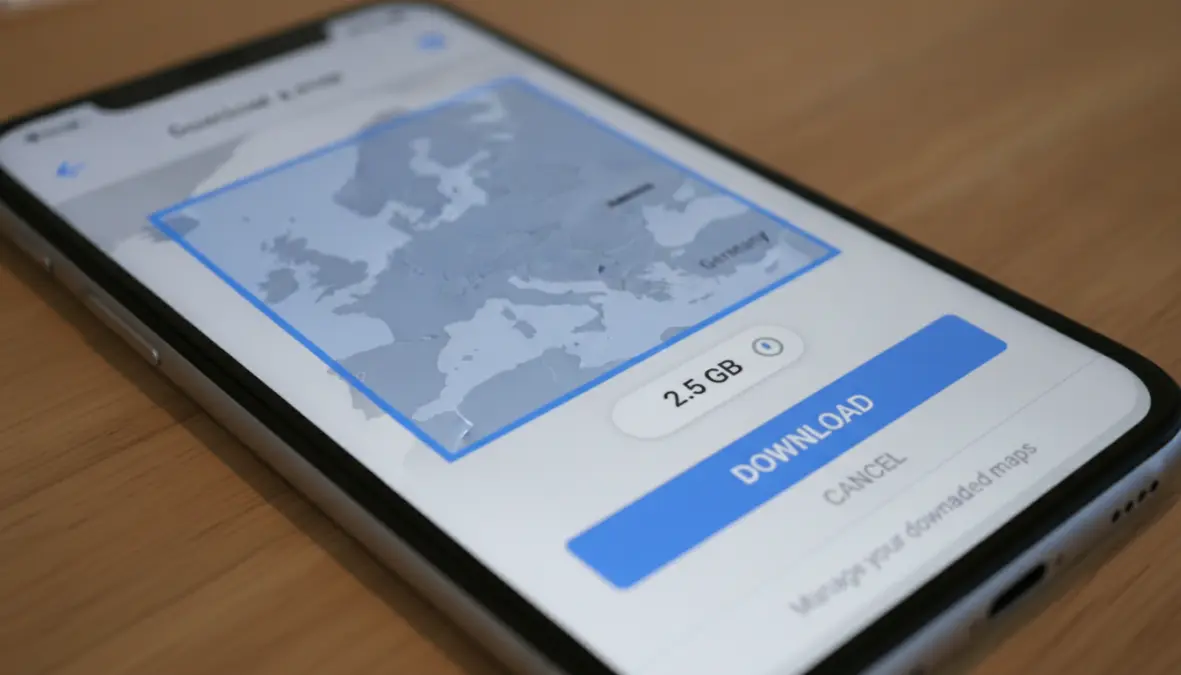
Managing Offline Map Storage and Updates
Understanding google maps offline storage management prevents those dreaded “storage full” notifications mid-trip. On average, a smartphone with 64GB capacity can comfortably store 15-25 regional maps, covering most European itineraries. Maps are stored in the app’s data folder, which you can access through your phone’s settings under “Apps” or “Storage.”
Here’s the catch: offline maps expire after 30 days. Google does this to ensure accuracy, as roads and locations change. You can enable automatic updates in the offline maps settings—just tap the three-dot menu next to any saved map and select “Update.” Set this to update over WiFi only to avoid unexpected mobile data usage.
To delete old maps and free space, go to “Offline maps” in your profile menu, tap the map you want to remove, and select “Delete.” Regularly pruning maps from previous trips keeps your app running smoothly. Consider this digital housekeeping essential, especially when booking travel through budget airlines where every megabyte of travel prep matters.
Best Practices for Downloading Multiple European Countries
Planning a multi-country European adventure requires strategic thinking about offline maps europe coverage. Rather than downloading entire countries, focus on border regions that include adjacent areas. For example, a single map centered on the France-Germany-Switzerland tri-border covers Basel, Strasbourg, and Freiburg efficiently.
Prioritize based on your itinerary type. City breaks need detailed urban maps with every street, while road trippers benefit from wider regional coverage with less granular detail. A typical week-long city-hopping trip (Rome, Florence, Venice) requires about 3-4 maps totaling 1-2GB. A two-week road trip through Scandinavia might need 8-12 maps consuming 4-6GB.
If storage is limited, download only your next 2-3 destinations and refresh as you travel using hotel or café WiFi. This rolling approach works brilliantly for extended trips. Remember, you can always use internet connectivity when available and seamlessly switch to offline mode when signals drop. This hybrid strategy complements resources like our offline travel apps guide perfectly.
Using Google Maps Offline Navigation in Europe
Downloading maps is only half the battle—using offline navigation europe effectively requires knowing what works and what doesn’t. Once your maps are downloaded, you can activate airplane mode or simply turn off mobile data to force google maps offline mode. Your GPS still functions (it’s satellite-based, not cellular), providing accurate turn-by-turn directions.
To start navigation, search for your destination while offline—but here’s the limitation: you can only search within your downloaded map area. Global searches won’t work without internet connectivity. That’s why saving important locations (hotel, rental car return, must-see attractions) as favorites before going offline is crucial. Access these through the “Saved” tab anytime.

What works offline: GPS-based navigation for driving, walking, and cycling; searching for places within downloaded areas; viewing saved locations; basic route planning. What doesn’t work: real-time traffic conditions; public transportation schedules and routes; user reviews and photos; live business information like opening hours; sharing your location.
For troubleshooting, if navigation isn’t working, ensure Location Services are enabled in your phone settings and that the GPS has a clear sky view (it struggles indoors). If a route won’t calculate, you might be outside your downloaded map area—check the blue shaded regions in offline maps settings. When WiFi becomes available at your accommodation or cafes, let the app refresh briefly for traffic updates, then switch back to offline mode.
This approach pairs beautifully with other travel-smart strategies, whether you’re following free walking tours or navigating between shopping districts in our shopping cities guide. The combination of offline maps and strategic WiFi use keeps you connected without the costs.
FAQ: Google Maps Offline in Europe
Can I use Google Maps offline in Europe without data?
Absolutely! Once you’ve downloaded the relevant map areas, Google Maps works entirely offline using just your phone’s GPS. You can navigate, search within downloaded regions, and access saved places without any cellular or WiFi connection. Just ensure Location Services remain enabled—GPS doesn’t require data.
How much storage do Europe maps need?
Storage requirements vary by area size and detail. A major city like Berlin requires approximately 200-400MB, while entire regions like Provence might need 1-2GB. Most European countries can be covered with 2-5GB of map downloads. Check the size before downloading—Google Maps displays this clearly during selection.
Do offline maps work for walking directions?
Yes! Offline navigation fully supports walking, driving, and cycling directions. The turn-by-turn guidance works identically to online mode. However, public transportation directions require internet connectivity, so plan those routes beforehand or use WiFi when available.
Can I search for places offline?
You can search for locations, but only within your downloaded map areas. The search function won’t access Google’s global database without internet. This is why saving important destinations as favorites before going offline is essential—you can access them instantly without searching.
What happens when offline maps expire?
Offline maps automatically expire after 30 days to maintain accuracy. You’ll receive notifications prompting updates. If you don’t update, the maps remain viewable but might contain outdated information. Simply connect to WiFi and tap “Update” to refresh—the process is quick and doesn’t require re-downloading everything.
Do I need internet to download maps?
Yes, downloading requires internet connectivity—preferably WiFi to avoid consuming mobile data. This is a one-time requirement; once downloaded, maps work entirely offline. Download all necessary maps before your trip or use hotel/café WiFi at your destination.
Mastering google maps offline europe transforms how you explore the continent. Whether you’re catching trains using European rail passes or traveling light with our carry-on packing strategies, offline navigation keeps you confidently exploring without connectivity anxiety. Download your maps, charge your phone, and get ready to wander freely through Europe’s incredible diversity—GPS satellites have your back, no roaming plan required.